
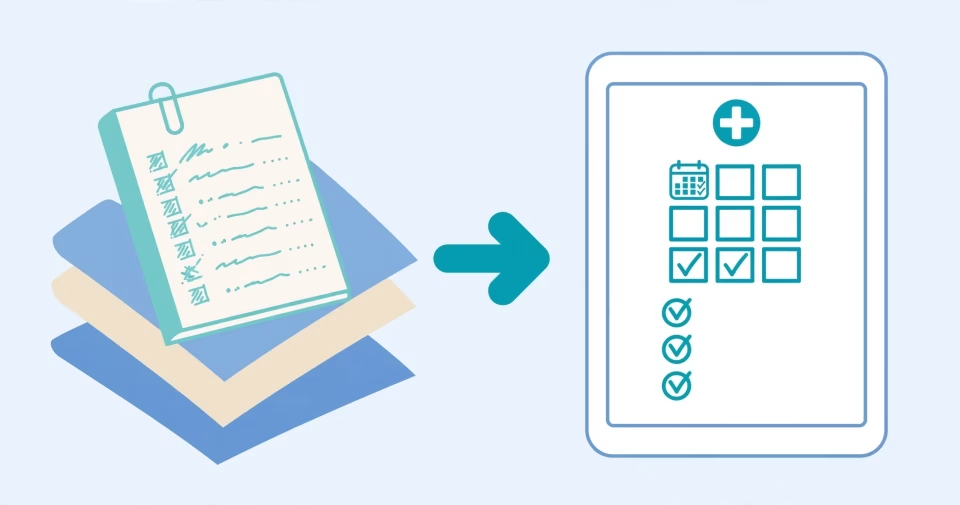
Most clinics do not stumble on digitisation because they picked the wrong software. They stumble because they started at the wrong step. They buy a full suite, then discover reception still writes appointments in a notebook and the doctor still opens the paper file because it is faster. This guide orders the work by payback: what saves time or money in week one, and what can wait without costing anything.
Start from friction, not from a feature list
Sit in reception for one full day and log every moment work stopped: a patient whose file could not be found, a call to confirm an appointment, an argument over an amount already paid, a drug that ran out with no warning. That log is the real specification. Any feature that does not answer a line in it is a feature you pay for and never open.
- Count the minutes lost hunting for paper files.
- Count the no-shows in a single week.
- Compare the cash actually collected against the notebook total.
The order that pays back fastest
Booking first, because it cuts no-shows and fills gaps in the schedule immediately. Then daily cash, because the gap between collected and recorded shows up within a week. Then patient records, which need longer training and only save time once enough history is entered. Stock and reporting come last — their value compounds and only appears after months of consistent use.
- Appointments and automatic confirmation.
- Daily collection and shift close-out.
- Patient records and prescriptions.
- Stock and consumables.
- Performance reporting.
Online or offline: connectivity decides, not budget
A clinic with stable internet and more than one branch needs a server-based system. A clinic where the connection drops, or that works in a weak-coverage area, needs a Windows program that runs locally. The common mistake is choosing online because it sounds modern, then losing a busy morning to the first outage. The full comparison is in chapter one of this series.
What to secure before you sign
Ask for three things before buying: a trial loaded with your own data rather than demo data, a documented way to export everything if you later move, and one named owner inside the clinic. Missing any of the three means paying twice — once for the system and once to get out of it.
Next step: to see working systems before you decide, Mudiri Digi clinic solutions covers both the online and offline builds, and the store catalog has sheets and programs you can run the same day.